A familiar place to create
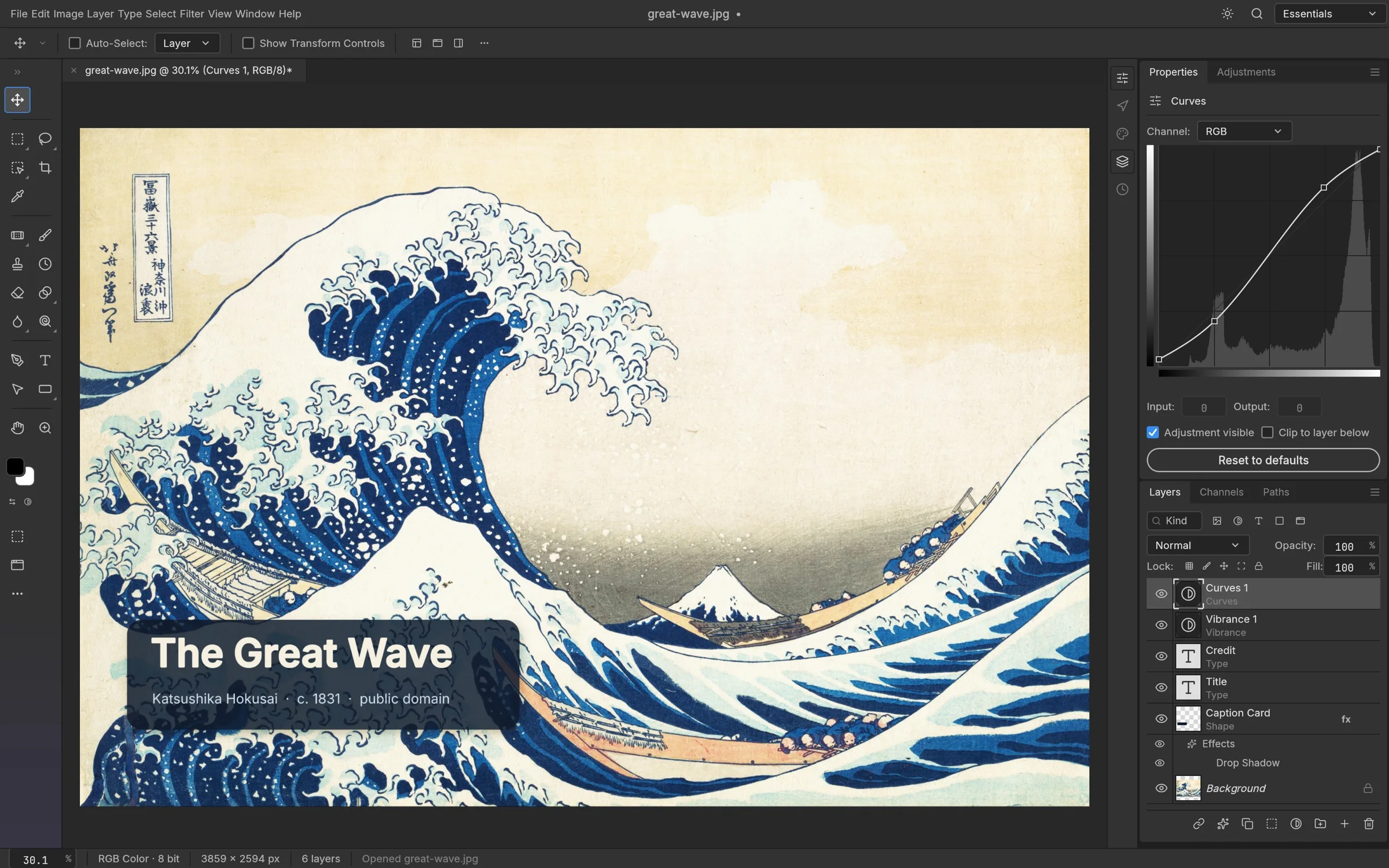
Menus, a canvas, a toolbar and a Layers panel: a Photoshop-style layout that lets you find your bearings quickly. Open a local image and start with the tools you know.
FREE & OPEN-SOURCE IMAGE EDITING
Edit photos and PSD files with layers, masks, text and brushes. Free, open-source image editing — right in your browser.
No installation. No sign-up. Best on desktop.
THE TOOLS. THE POSSIBILITIES.
A familiar workspace for photographs, layered compositions and the details that make an image yours.
Menus, a canvas, a toolbar and a Layers panel: a Photoshop-style layout that lets you find your bearings quickly. Open a local image and start with the tools you know.
Keep images, shapes and text on separate layers. Use masks to reveal selected areas without erasing the whole layer, so individual parts of a composition remain easier to revisit.
Explore Curves, Levels and Vibrance to refine an image. Adjustment layers keep supported color changes separate from the source image, letting you compare a treatment with the original.
Add editable type, paint with brushes and use selections to focus an edit. Combine these tools for a captioned photograph, a simple poster or a more detailed layered study.
Open PSD documents and inspect their layers, text and appearance. PhotoCraft is still evolving: keep your original file and check complex effects, missing fonts and the saved result before a handoff.
Use this site’s free online editor without an account or installation. Opened documents are processed on your device; this deployment has no document-upload or cloud-save service. Save your work to your computer.
A PLACE TO START
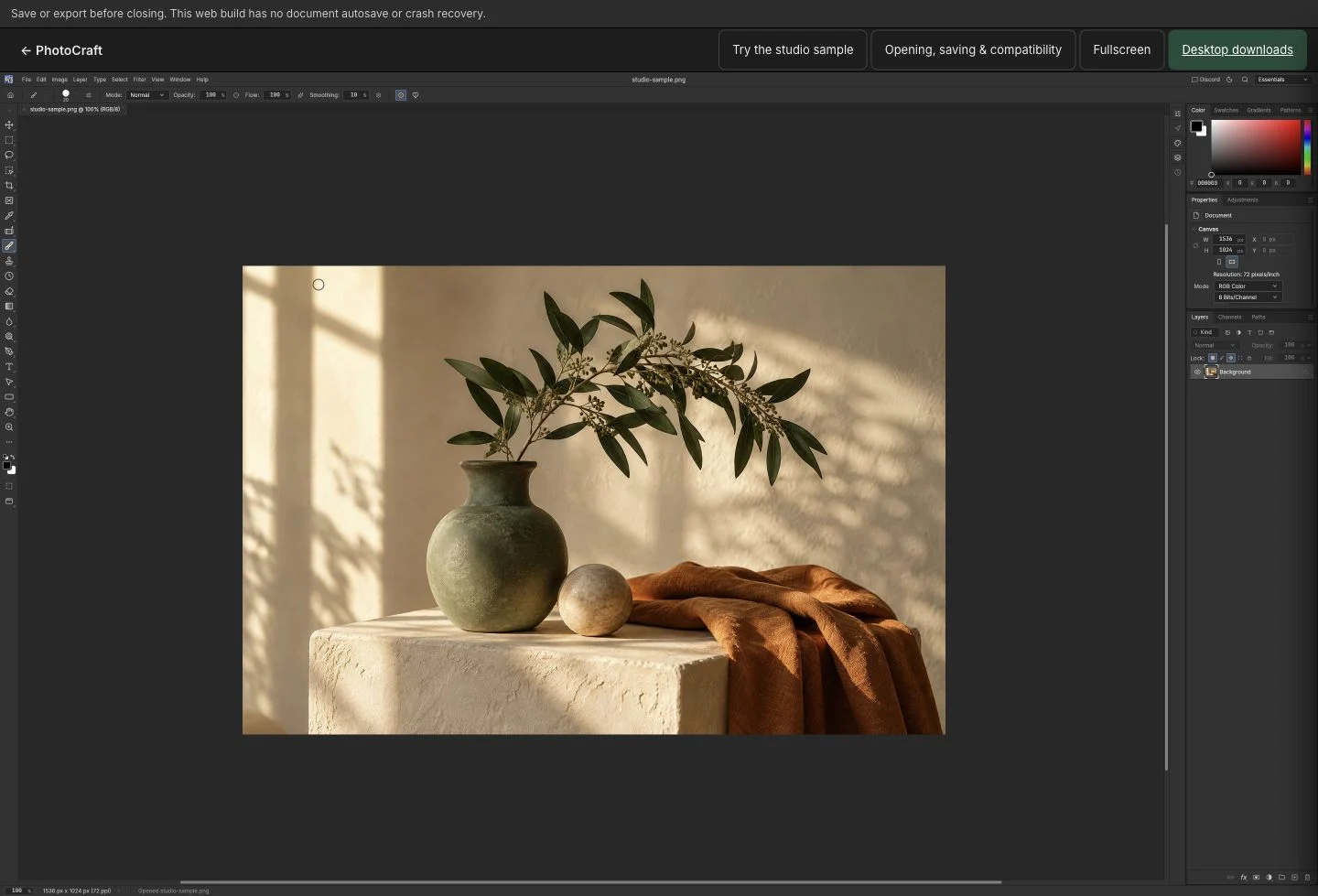
Choose File → Open in the editor, then select a file from your device. Start with a copy of an important document.
Select a layer, adjust its appearance, add text or refine part of the image with a mask.
Save an editable document when you want to continue later. Export a finished image, then open the downloaded file to check it.
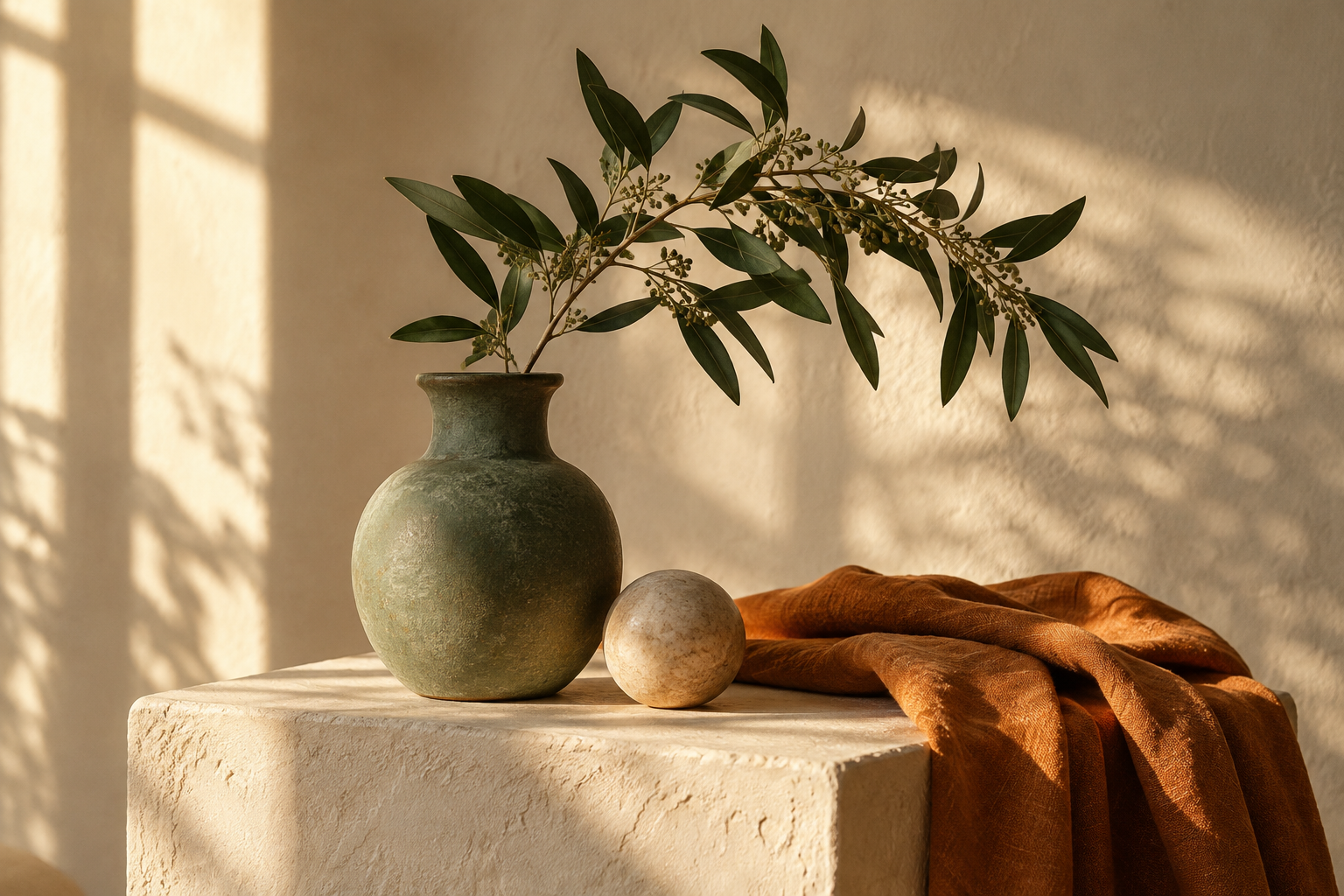
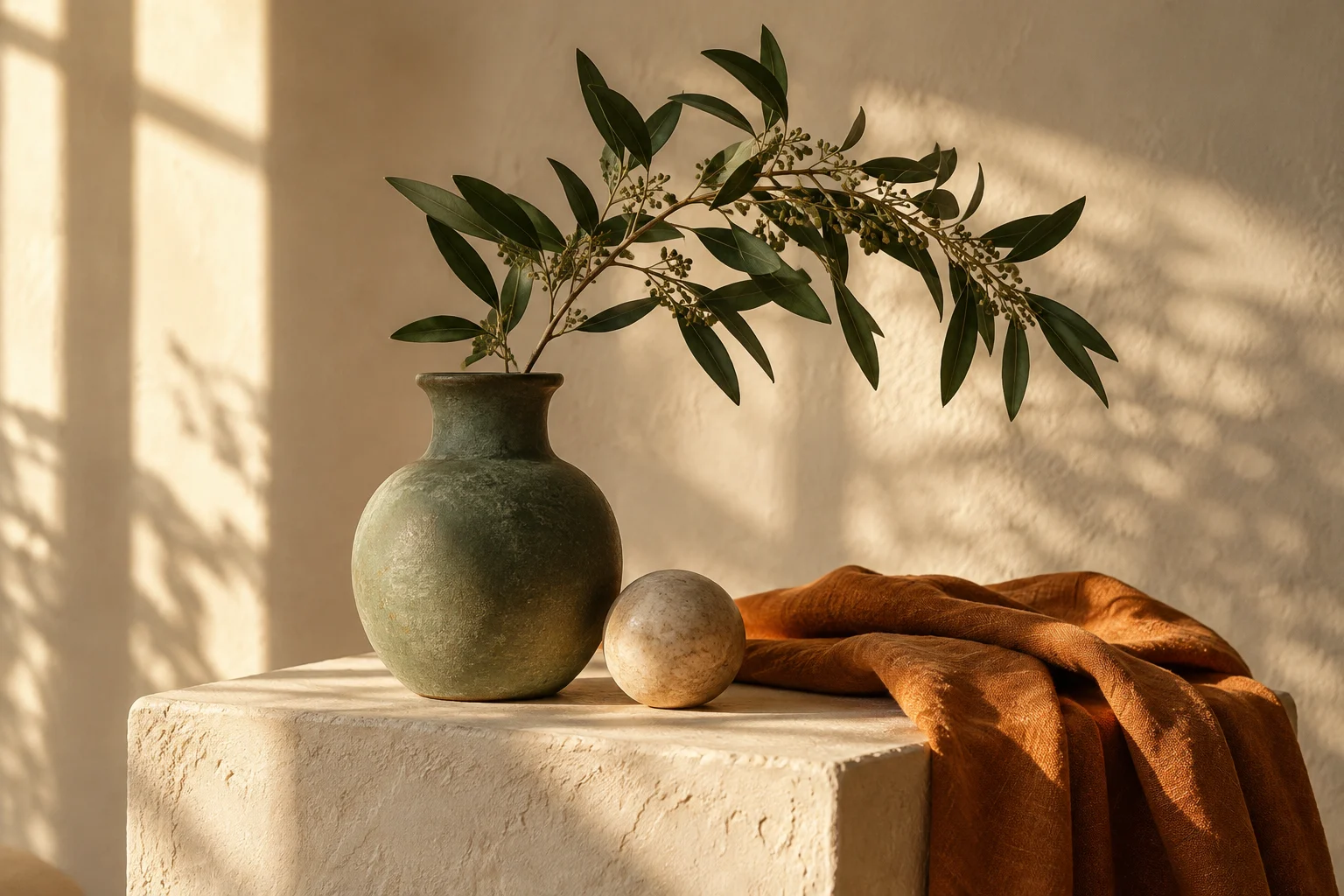
A flat PNG to start with. Download it, then choose File → Open in the editor.
YOUR IMAGES. YOUR PROCESS.
PhotoCraft is a free, open-source image editor from ArtCraft and its community, built in Rust around a familiar Adobe Photoshop-style workflow. Layers, masks, adjustments, text and brushes support photo editing and composition. This independent website hosts a browser build of PhotoCraft; the original project is available on GitHub.
Start with a photograph, build a layered composition, or pick up a PSD. Familiar tools leave room for your own way of making.
Try the studio sampleFROM FIRST LAYER TO FINAL DETAIL
The tools you reach for, in a workspace that feels familiar.
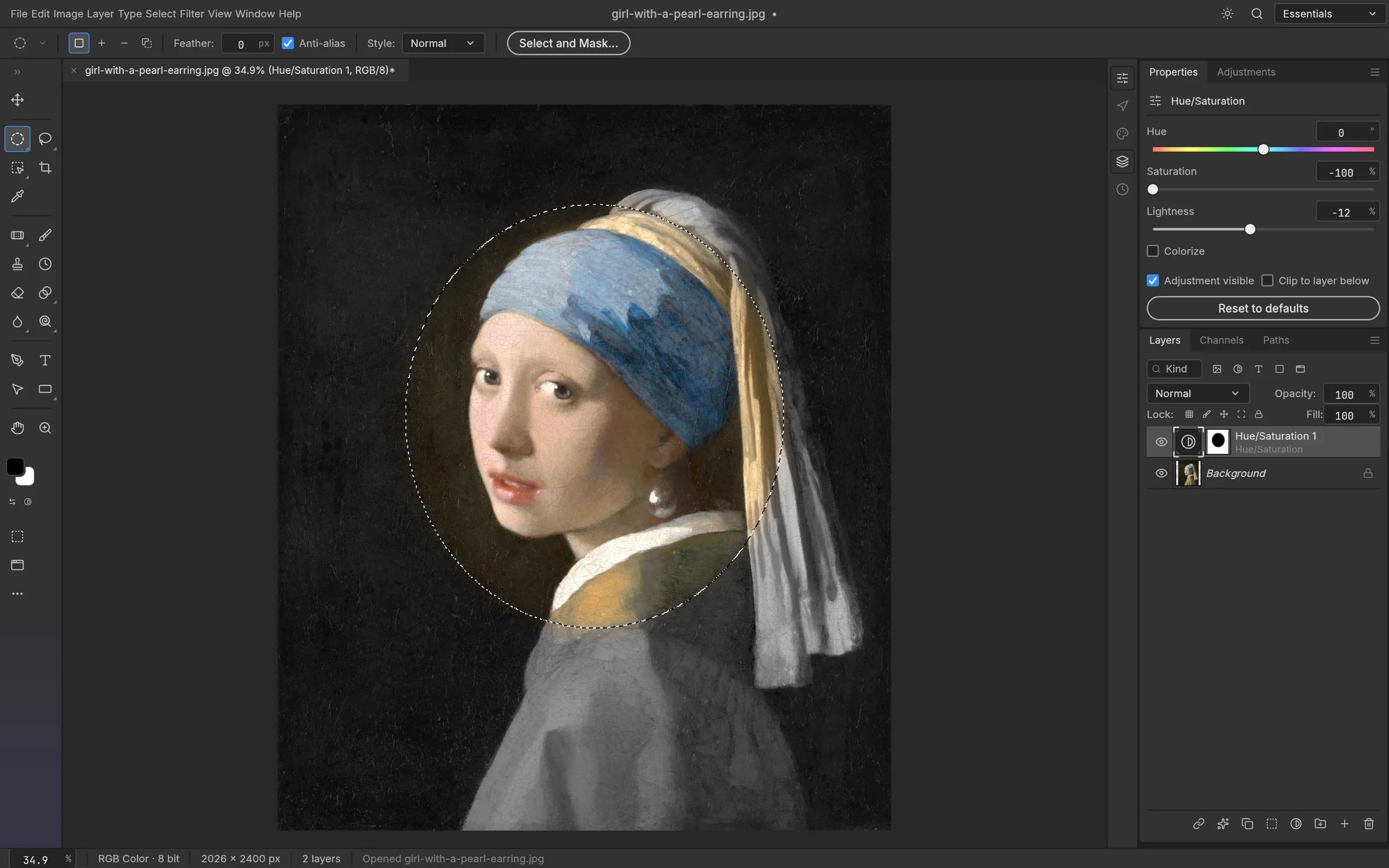
Build a composition from separate layers. Use masks to control where a layer appears, and keep individual elements easy to revisit.
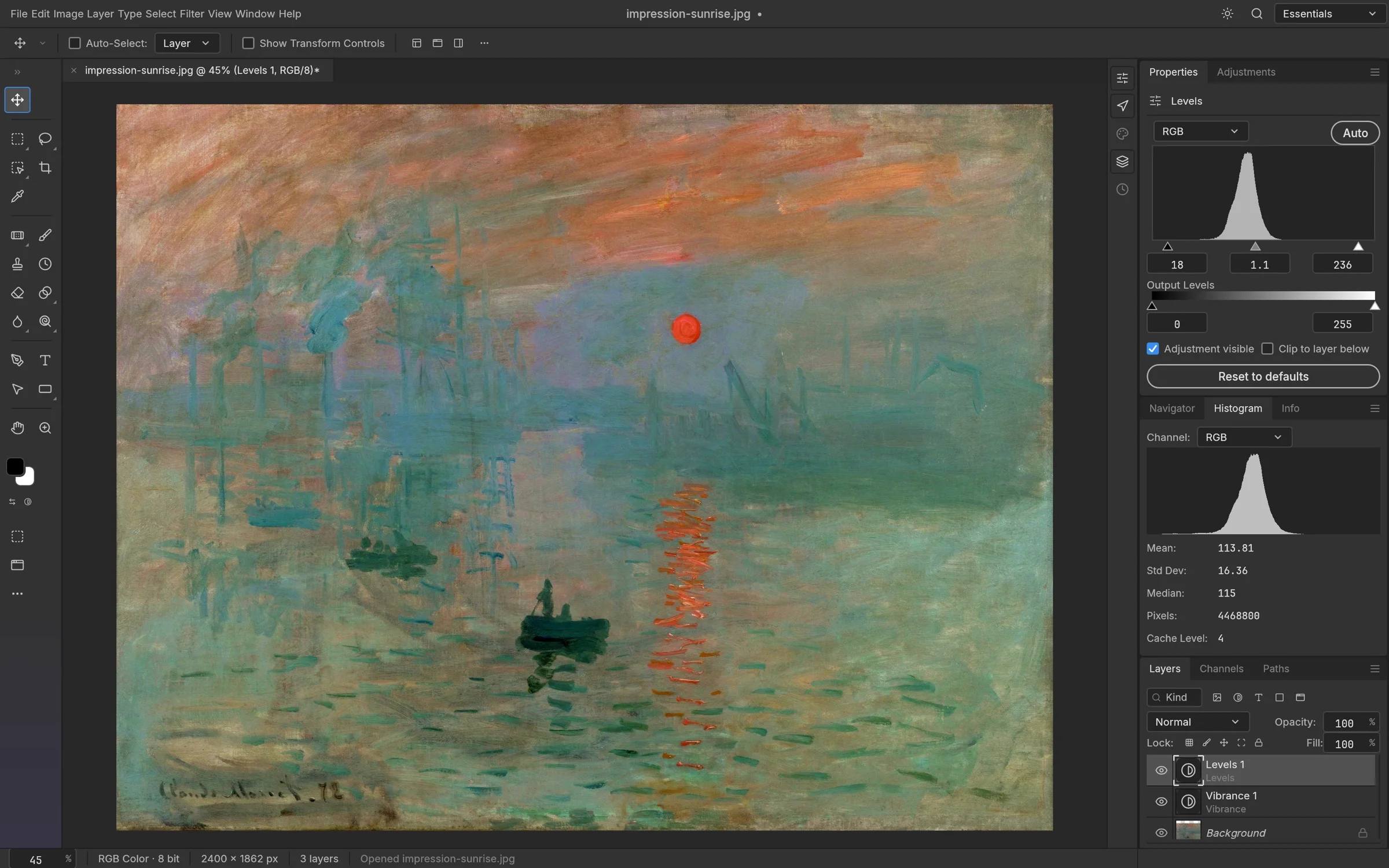
Refine light and color with adjustments such as Curves and Levels. Use adjustment layers to keep supported changes editable.
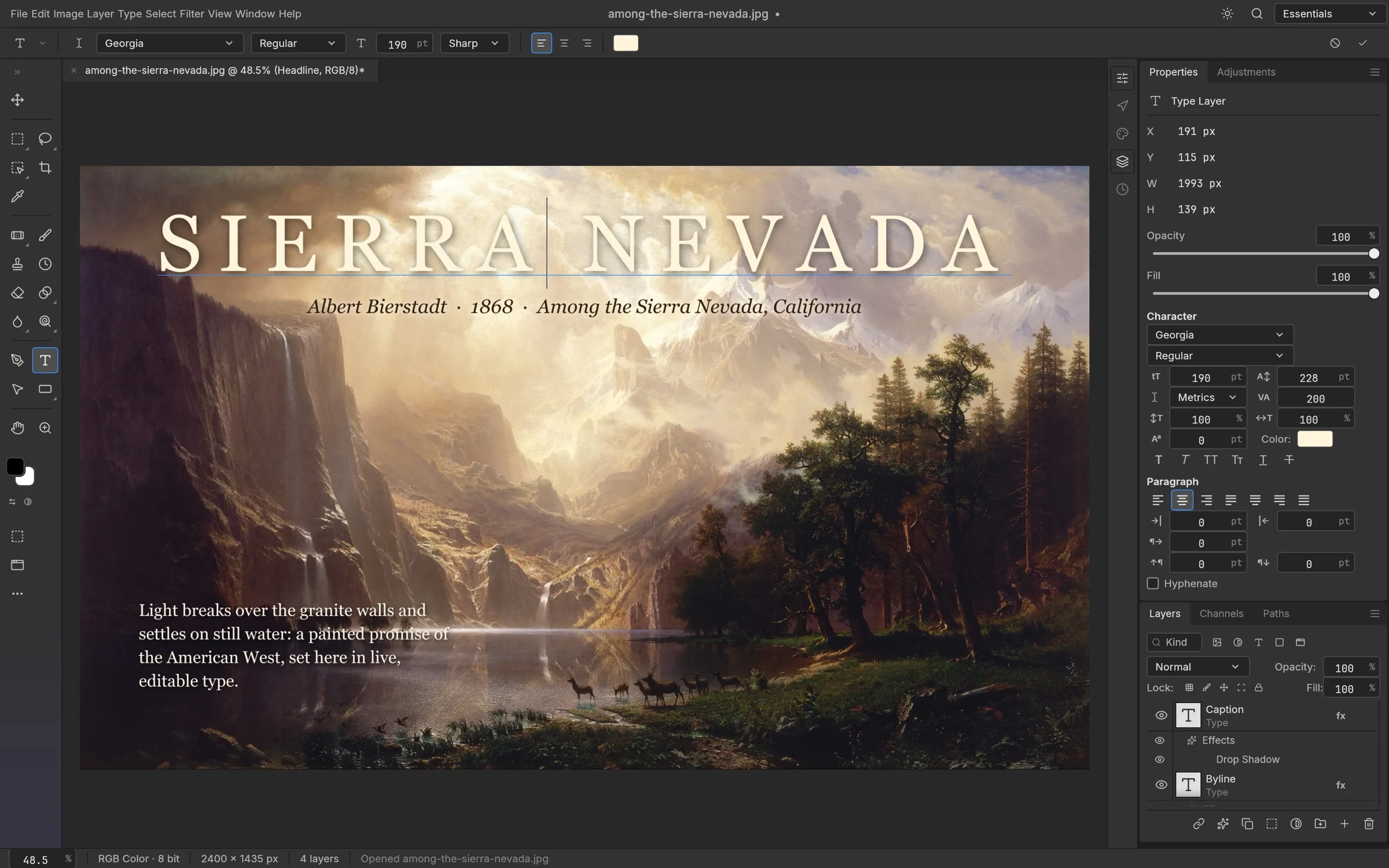
Open layered PSD documents and work with text and image layers. Check fonts, effects and complex documents before relying on the result.
Brushes · Selections · Shapes · Layer styles
Real app screenshots from the PhotoCraft project ↗
A FEW THINGS TO KNOW
A little clarity, so you can get on with creating.
Yes. PhotoCraft is open source under MIT OR Apache-2.0. Editing, saving and exporting on this website are free, with no account required.
Yes. Open the editor on this website to use PhotoCraft in your browser. If you prefer a desktop app, our download page has direct downloads for Windows, macOS and Linux.
PhotoCraft supports layered PSD documents. Compatibility can vary with fonts, effects and document complexity. Keep the original and check both the canvas and the saved file.
The editor processes the files you open on your device. This version of the website does not provide document uploads or cloud saving. Ordinary website requests are described in our privacy notice.
Use the editor’s Save or Export controls to download a file to your device. Save regularly: this web build does not provide document autosave or crash recovery.
If you are looking for Photoshop online, PhotoCraft offers a separate browser editor with a familiar layered workflow. It is not Adobe Photoshop and is still in early alpha. Test the tools, fonts and PSD files you depend on before using it for important work.
Use a current desktop browser with WebGPU or WebGL2. The editor page provides a retry and compatibility mode. Changing modes restarts the editor, so save any work first.
PhotoCraft is an ArtCraft open-source project, not an Adobe product. Adobe Photoshop is a separate product. This website independently hosts PhotoCraft online and mirrors its desktop packages; it does not represent ArtCraft or Adobe.
The upstream PhotoCraft GitHub repository is storytold/photocraft. Visit it for source code, license information, release notes and issue discussions. This website pins version 0.9.0 rather than following every change on the main branch.