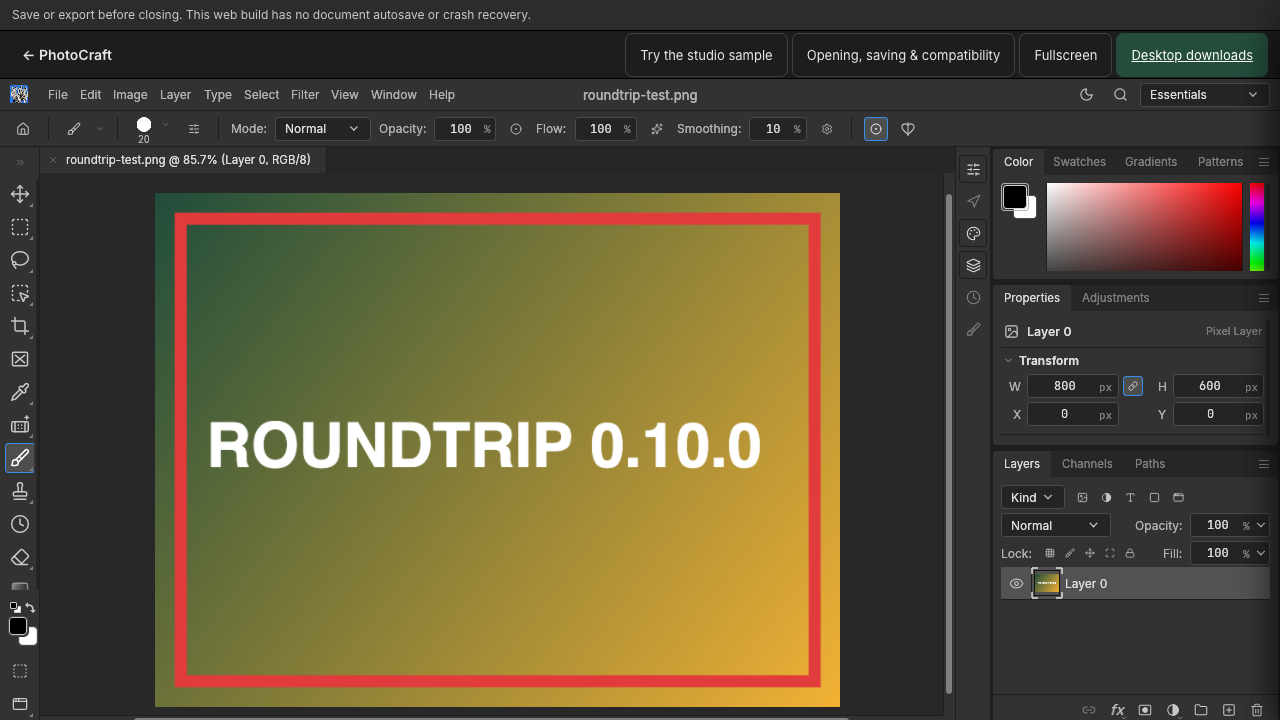
For PhotoCraft 0.10.0. Keep the original file and check layers, fonts and the saved or exported result before relying on a complex PSD.
Yes — you can open a PSD file without Photoshop. PhotoCraft runs in your browser, reads layered PSD documents on your device, and shows the layers, text and appearance so you can check a file before relying on it. Nothing is uploaded to a server.
This guide refers to the PhotoCraft 0.10.0 interface.
How do I open a .psd file?
A .psd file is Adobe Photoshop’s layered document format. To open one in PhotoCraft:
- Open the PhotoCraft editor in a desktop browser.
- Choose File → Open, or drag the PSD anywhere onto the canvas.
- Select your
.psdfile. PhotoCraft reads it locally and displays the document.
You do not need to install anything or create an account. The desktop download is optional, not required.
How can I view a PSD without editing it?
Opening a PSD in PhotoCraft is already a full viewer:
- The Layers panel lists every layer, group and mask, with visibility toggles.
- Zoom controls (View menu, or Ctrl/⌘ + and −) let you inspect details.
- Toggle a layer’s visibility to compare versions of the design.
You can stop here. Viewing does not require saving or exporting anything.
Can I edit PSD layers without Photoshop?
In most cases, yes. Select a layer in the Layers panel and use the familiar tools: Move, Type, brushes, adjustments. Keep expectations realistic for complex documents — see the limits below — and check why a PSD may not open correctly when a specific file misbehaves.
Do I need to install an app?
No. The browser build opens PSD files on your device. If you prefer a native app, the download page offers the same upstream release for Windows, macOS and Linux.
Can I open a PSD on my phone?
PhotoCraft is designed for desktop screens. On a phone the editor asks you to confirm before starting, and small screens make layer work impractical. For a quick look on mobile, expect to be able to load the file but not to work comfortably.
Will fonts and effects look identical?
Not always, and no online editor can promise that.
- Missing fonts are substituted. Check text layers visually against the original before saving anything.
- Complex effects and adjustment combinations may differ. PhotoCraft is an independent editor, not a Photoshop clone.
What about saving?
After checking a PSD you can keep an editable copy (File → Save As) or export a flattened image — the save and export guide covers both. Always keep the original PSD unchanged as your master copy.